 IconDrop
Icons for Google Slides™, Docs™ & Sheets™, one click away
IconDrop adds a fast icon sidebar to your editor. Search about 13,000 open-license icons, recolor to any hex, and drop them straight into the file you have open.
Free tier included. No sign-up, no ads. A working alternative to the Flaticon and Noun Project add-ons that went away.
How it works
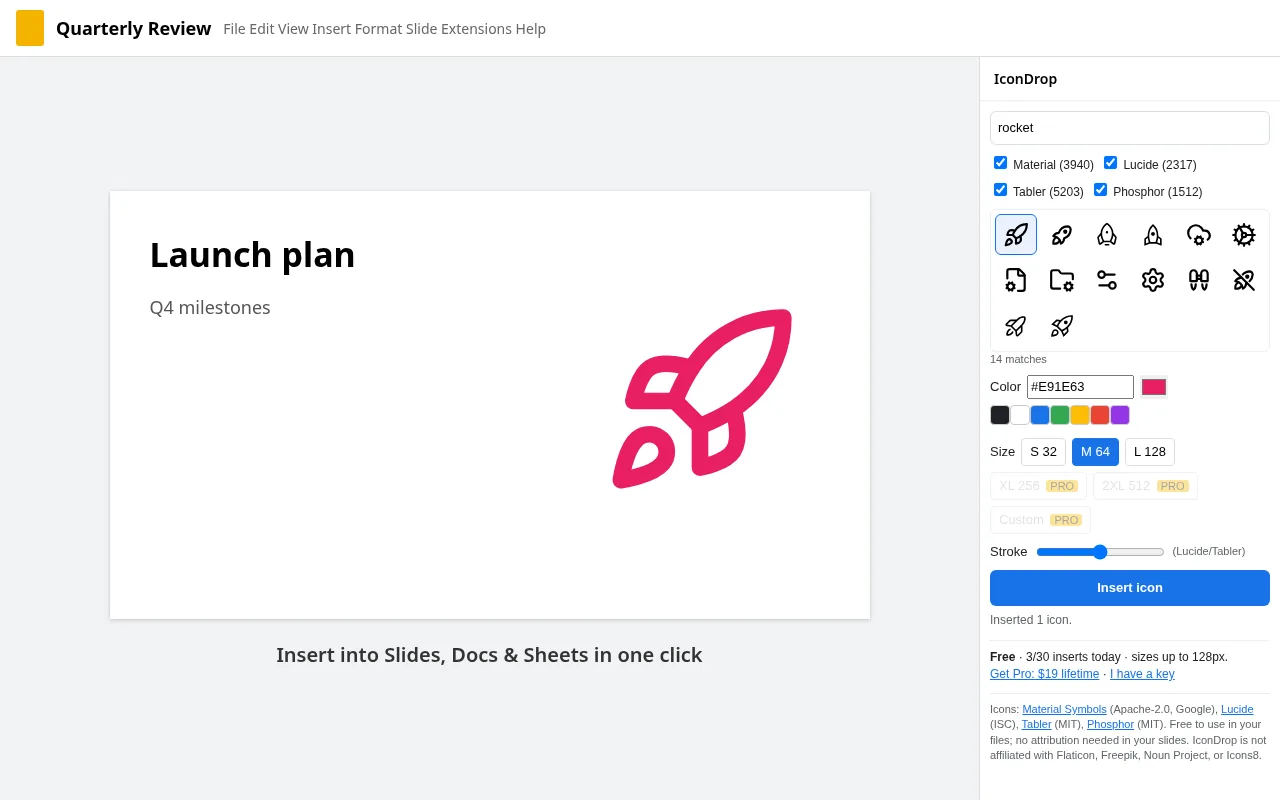
Three steps, all inside the editor you already use.
Open the sidebar
In Google Slides™, Docs™ or Sheets™, choose Extensions → IconDrop → Open IconDrop.
Search and recolor
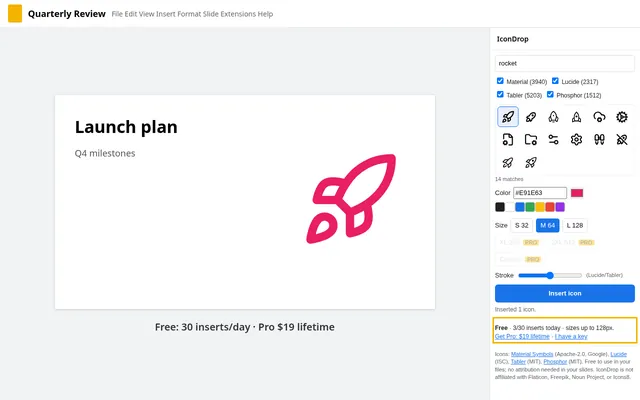
Type a word, pick from four icon sets, then set any hex color or tap a swatch. Choose a size.
Insert
Click Insert icon. It lands in your open slide, document or sheet as a crisp image you approve.
Everything you need, nothing you don't
Built on open-license icon sets, so icons are free to use in your files with no attribution required.
13,000 icons
Search Material Symbols, Lucide, Tabler and Phosphor together, or narrow to one set.
Recolor to any hex
Match your brand exactly with a hex field and quick swatches. Pro adds a saved brand palette.
One-click insert
Drops into the active slide, document or sheet cell. Pro unlocks bulk insert of up to 20 icons.
Size presets
Small, medium and large (32, 64 and 128 px) on the free tier. Pro adds XL, 2XL and custom up to 1024 px.
Private by design
Current-file permissions only. No Drive, no Gmail, and your file contents never reach our servers.
Stroke control
Tune stroke weight on Lucide and Tabler line icons so they match your typography.
See it in action
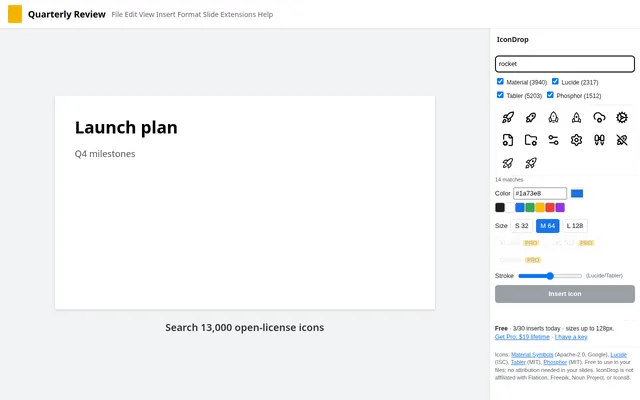
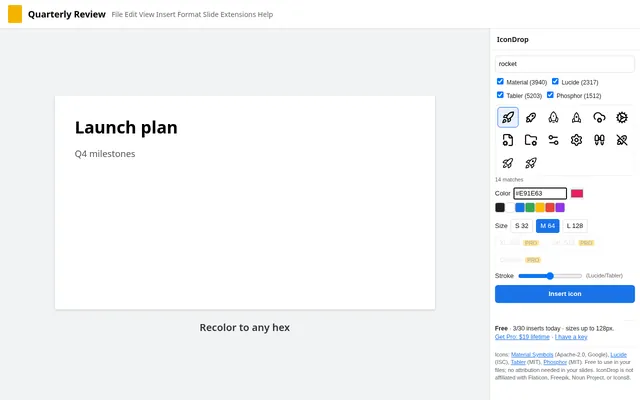
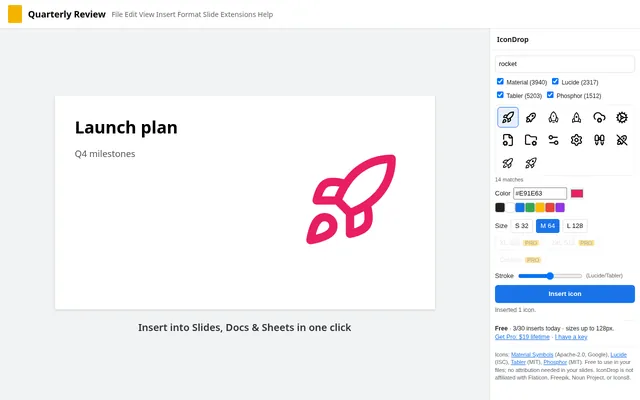
Rendered previews of the real IconDrop sidebar in a slide-editor frame.
Watch the demo
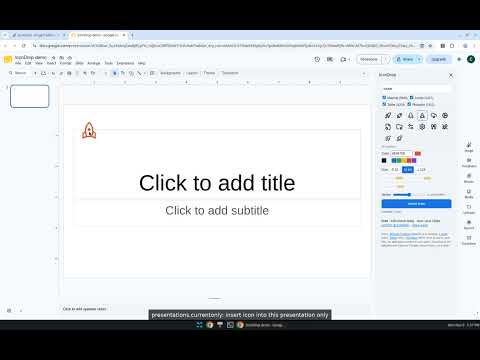
A short walkthrough of IconDrop inside Slides™, Docs™ and Sheets™.
Free to start, Pro when you want more
Pro is not on sale yet. It will open together with the install link.
Search, recolor, insert
- 30 inserts per day
- Sizes up to 128 px
- All four icon sets
$19 one-time, lifetime
- Unlimited inserts
- Bulk insert, up to 20 at once
- XL, 2XL and custom sizes up to 1024 px
- Brand color palette
Frequently asked questions
Can I install IconDrop today?
Not yet. IconDrop is waiting on Google's OAuth verification, which can take several weeks. When it clears, the install link will be posted on this page.
Is IconDrop free?
The free tier covers search, recolor and insert with 30 inserts a day and sizes up to 128 px. A one-time $19 Pro license is planned for launch.
What permissions does IconDrop ask for?
Only current-file access for Slides™, Docs™ and Sheets™, plus permission to show its own sidebar. It cannot open other files, and it has no access to Drive or Gmail. File contents are never sent to our servers. Read the privacy policy.
Which icon sets are included?
Material Symbols (Apache-2.0), Lucide (ISC), Tabler (MIT) and Phosphor (MIT), about 13,000 icons in total. Icons are free to use in your files and need no attribution.
Is IconDrop affiliated with Flaticon, Freepik, The Noun Project, Icons8 or Google?
No. IconDrop is an independent add-on built on open-license icon sets. It is not affiliated with or endorsed by any of them.
How do I get the install link?
Check back here, or send us an email and we will write to you once when it is live.
Install link coming soon
We will post the link here the moment Google clears verification.
Email me when it's liveMade by Huxley Constantinople at Level 8 LLC.